Entities
Entities are the entry point for rows displayed in data tables. Rows represent selected records of the entity data type selected when creating a data table.
Adding and removing entities
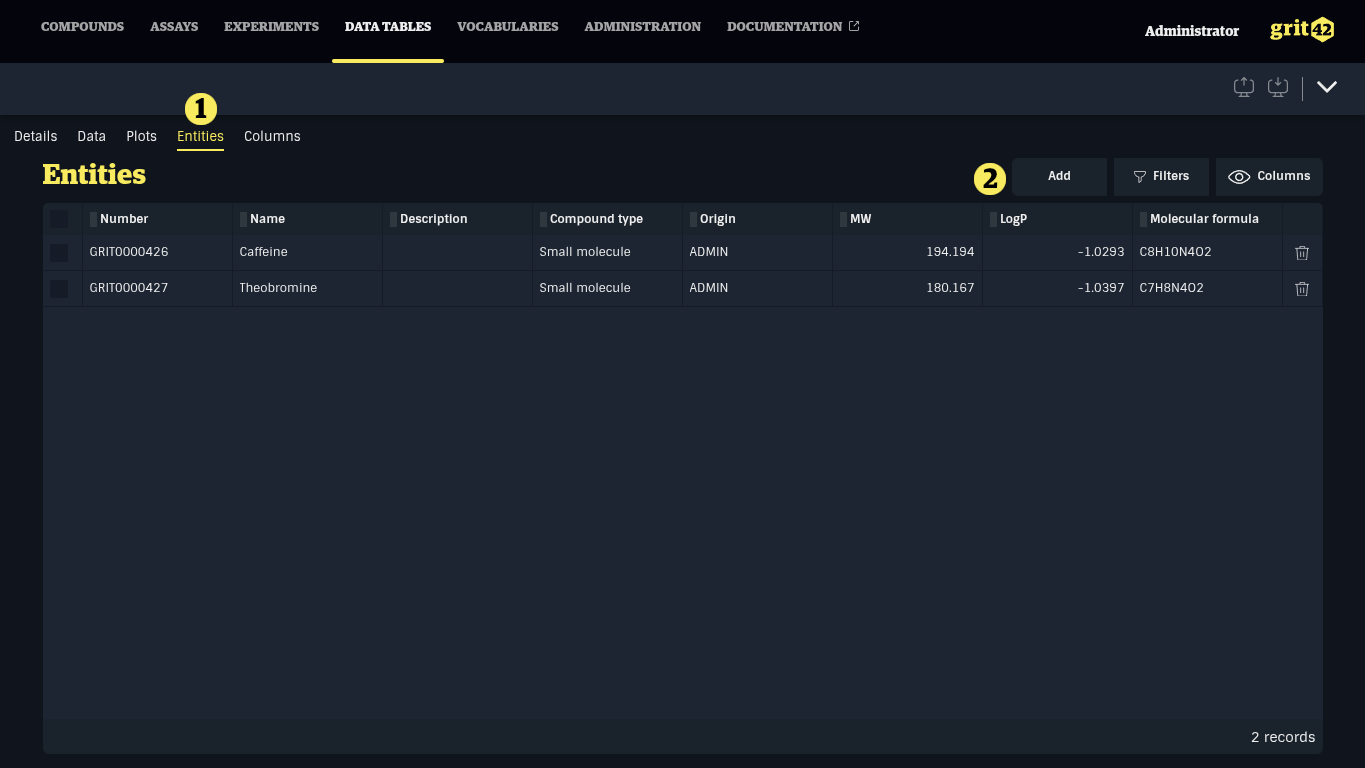
Entities displayed in the data table are managed under the Entities tab (1). Click Add (2) to add entities to the data table.
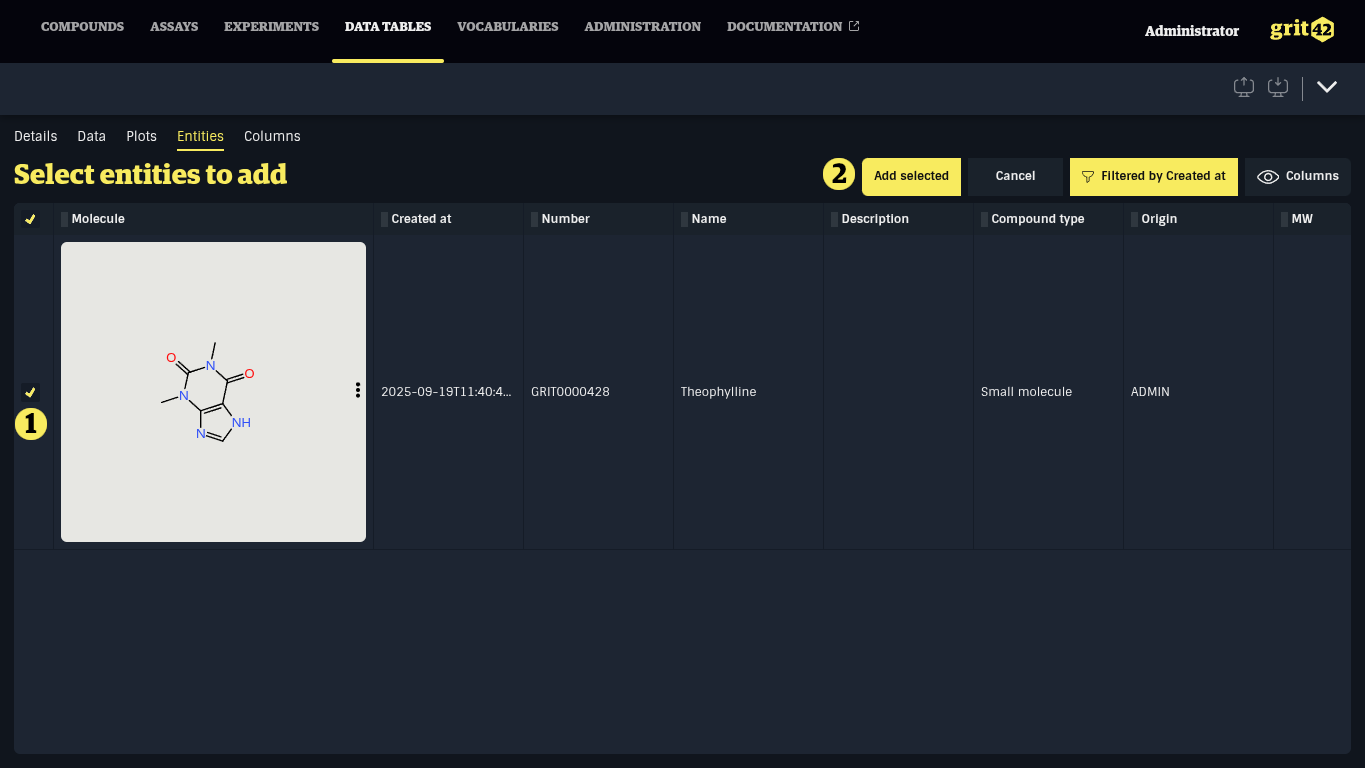
In the list, select the entities to add by clicking the row or the checkbox at the start of the row (1). This list can be filtered and sorted. When one or more entities are selected, they can be added to the data table by clicking Add selected (2).
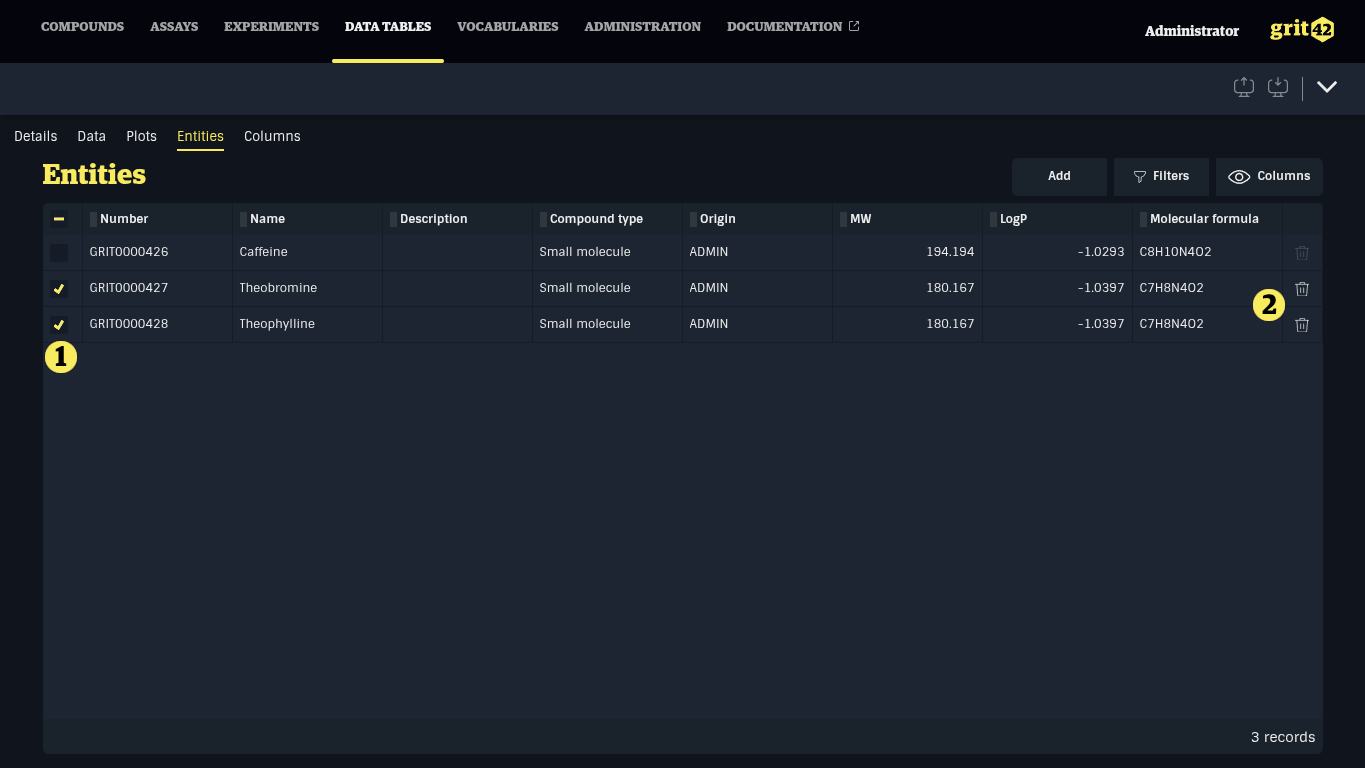
Entities can be removed by selecting one or more rows in the Entities table and clicking the Trash icon at the end of one of the selected rows.