Entity attributes columns
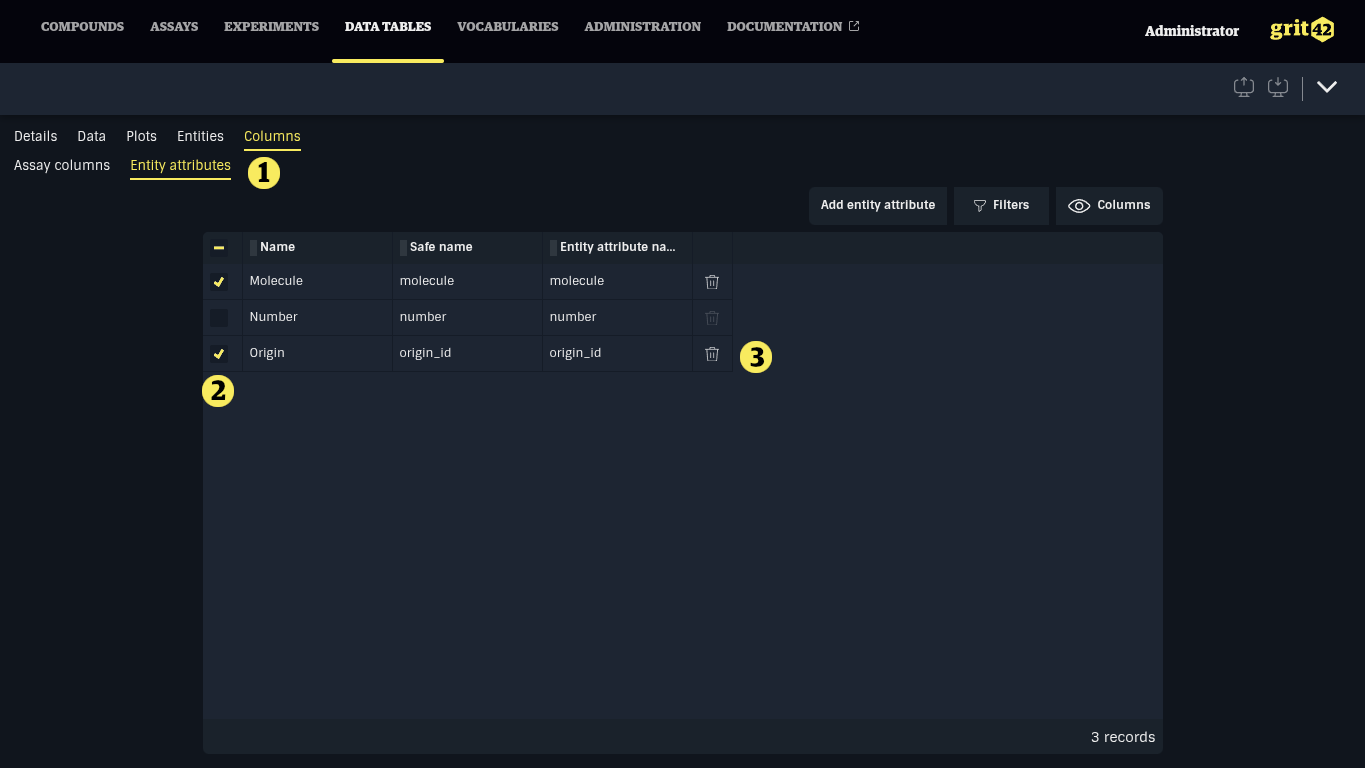
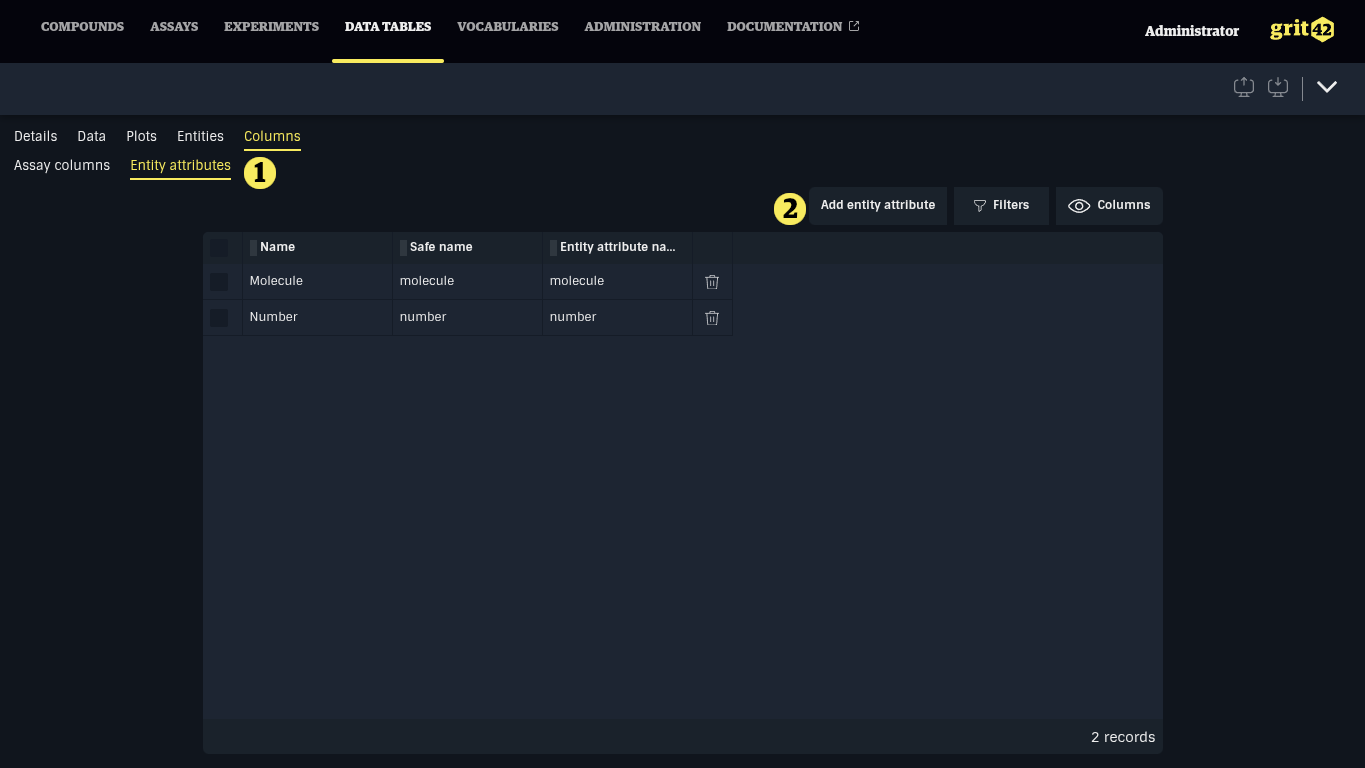
Entity attributes columns enable displaying entity (meta)data, such as a compound structure or molecular formula, in Data Tables. They are managed under the Columns > Entity attributes tab (1). Click Add entity attribute (2) to add a column displaying an entity attribute to the data table.
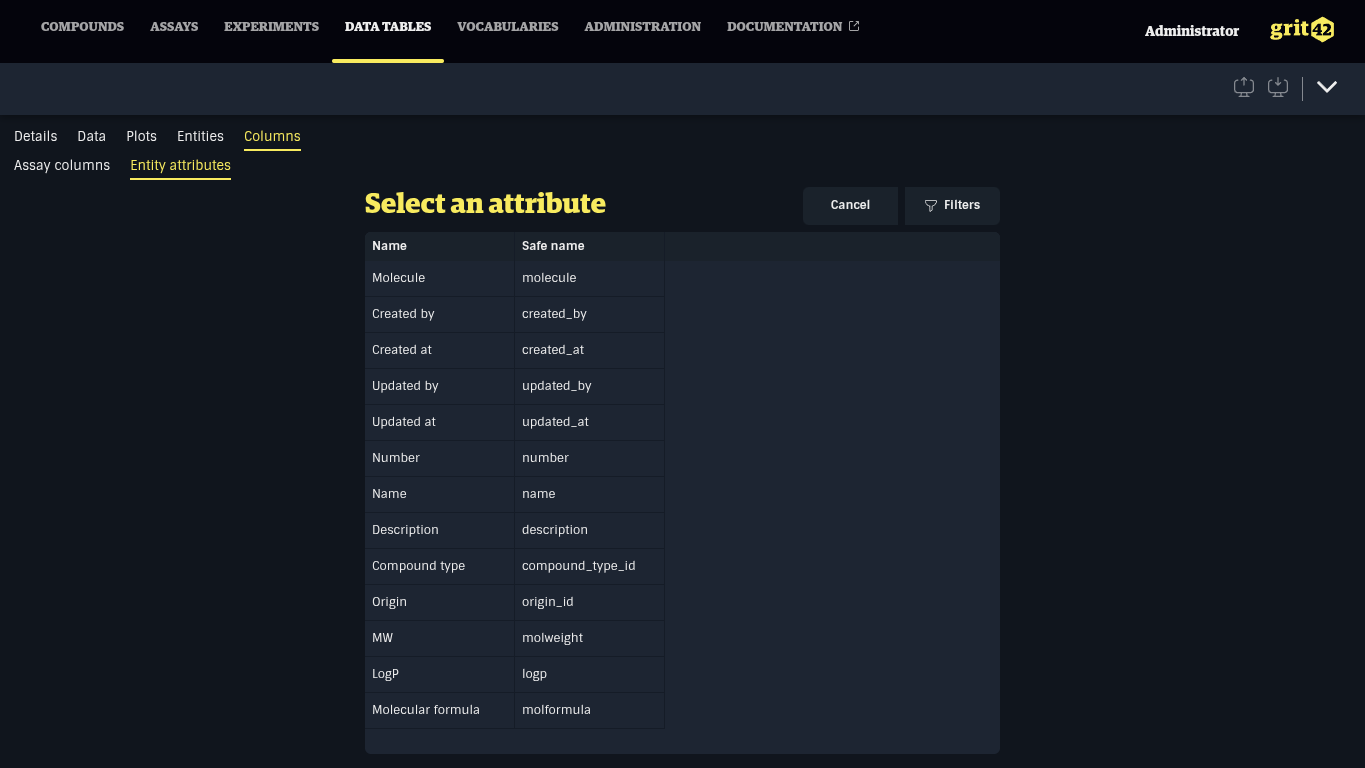
In the list, select the attribute to add by clicking the row.
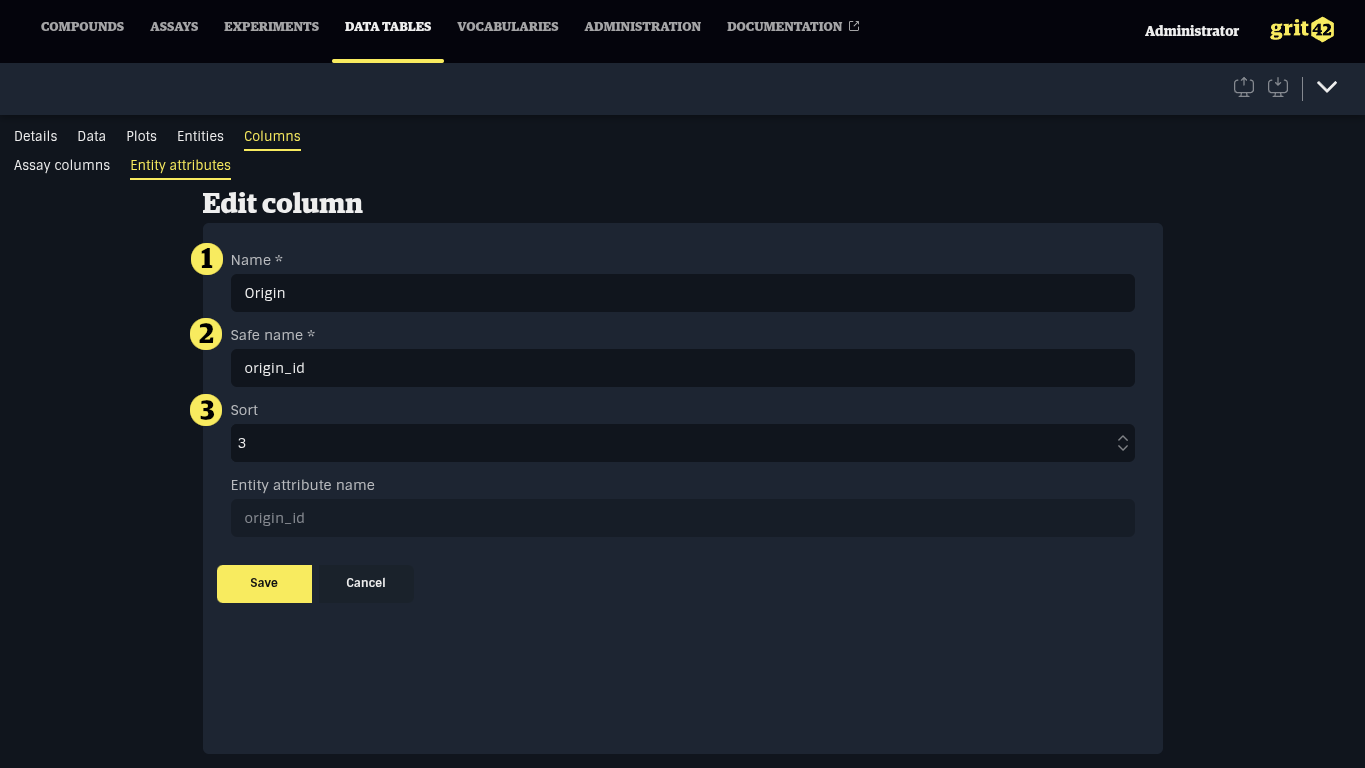
In the form, configure the column details and click Save.
- The name of the column displayed in the table.
- A machine-friendly name, only alphanumerical characters and underscores (_).
- An optional sort indication used to define the default position of the column, a lower value is closer to the start.
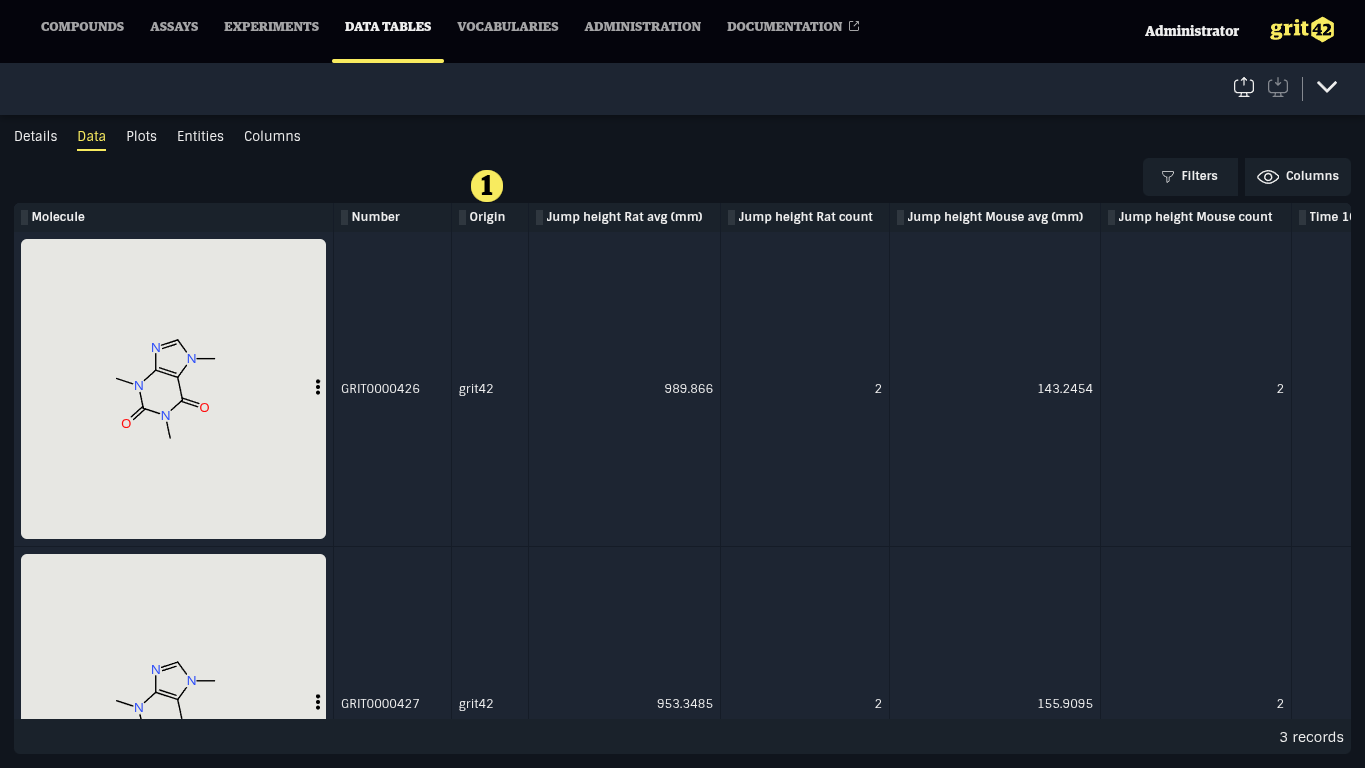
Attribute columns can be removed under Columns > Entity attributes by selecting one or more rows in the table clicking the Trash icon at the end of one of the selected rows.