Metadata Templates
Metadata Templates enable setting many Metadata Values at once when creating Experiments, by providing groups of values that are often used together.
Creating Metadata Templates
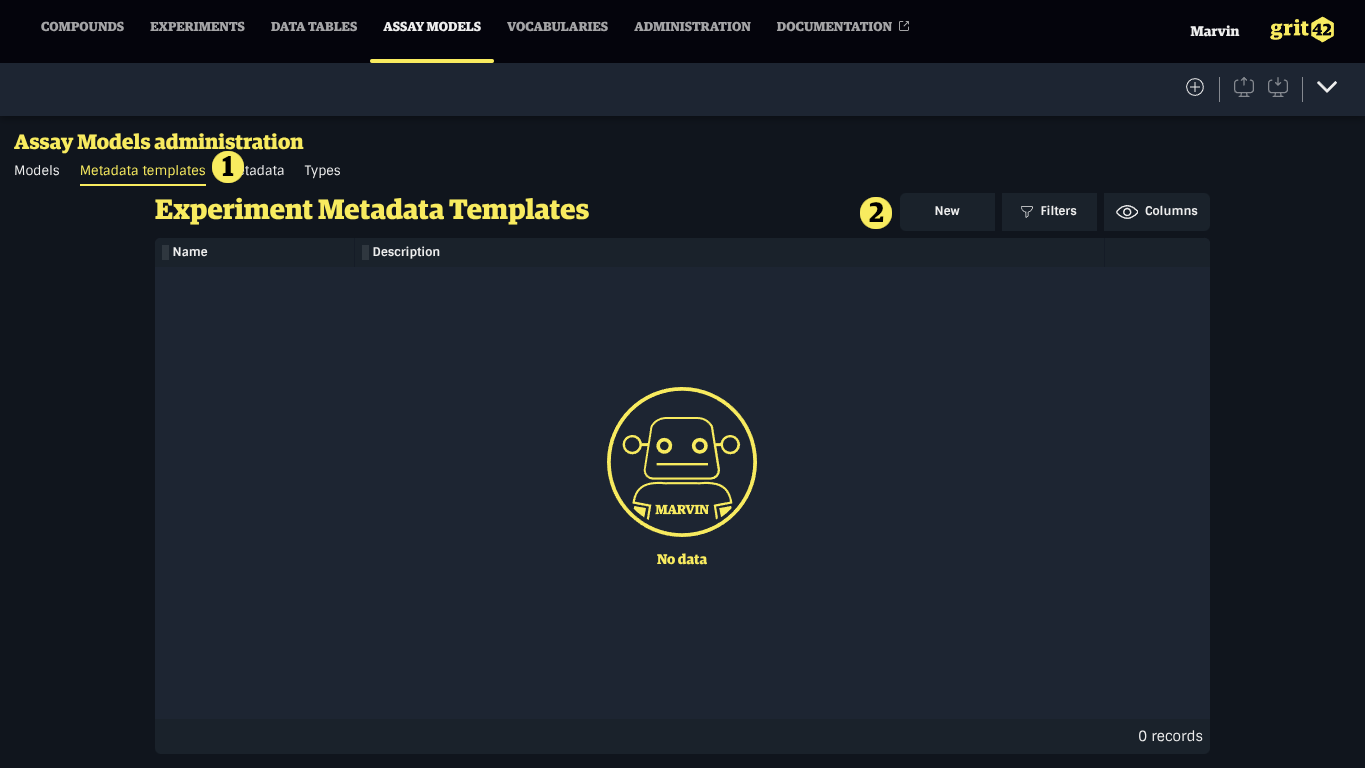
To create Metadata Templates, navigate to the Assay Model administration, then:
- Select the Metadata templates tab
- Click the New button
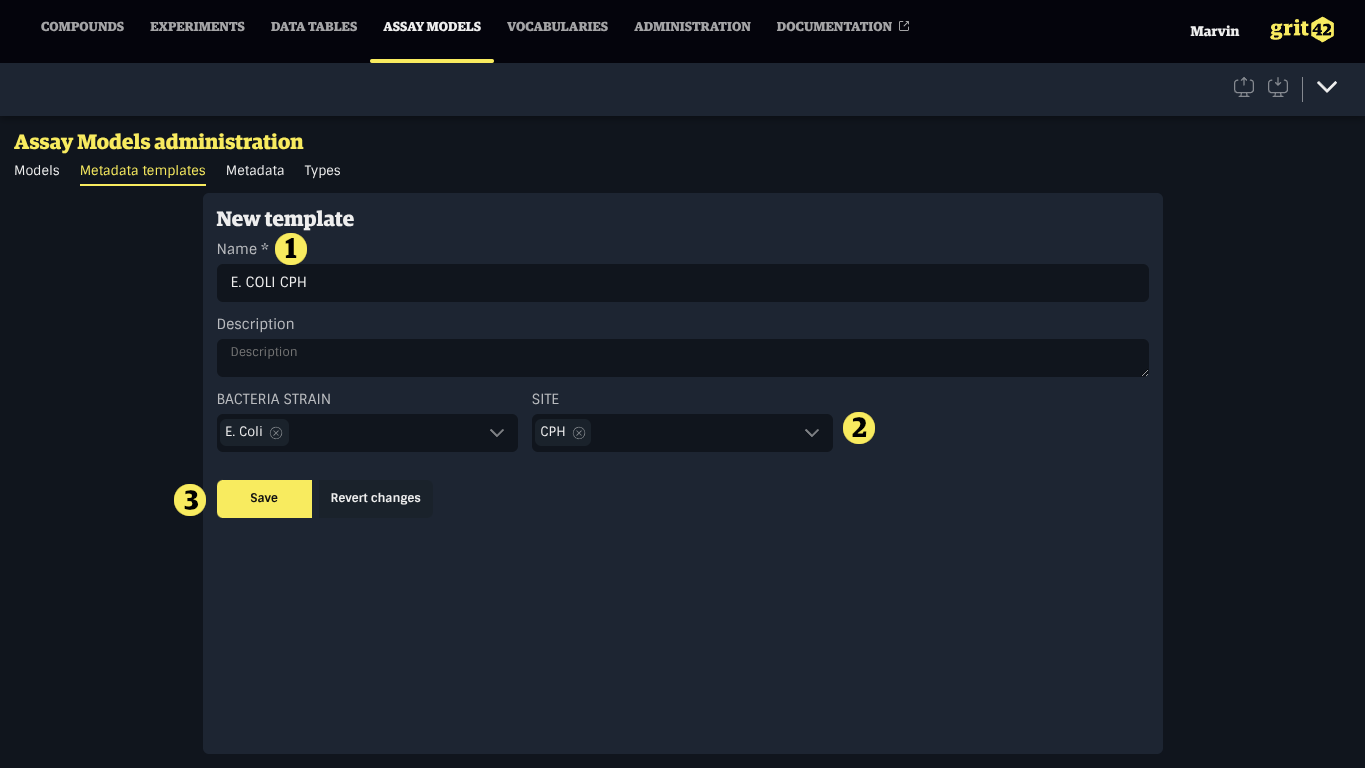
- Provide a name and an optional description
- Select values for some or all Metadata Definitions
- Click Save
Modifying Metadata Templates
To modify an existing Metadata Template, click it in the list, make your changes and click Save.